MCTools App
Every mc-tools.net tool for Minecraft, on your desktop and in game.
Build it, click Import into game, play. No zip files, no digging through folders.
 Java Edition
 Bedrock Edition
Windows
Free
Bedrock Edition
Windows
Free
Launching soon. Hear it first in Coop's Corner on Discord.
 EZCapes
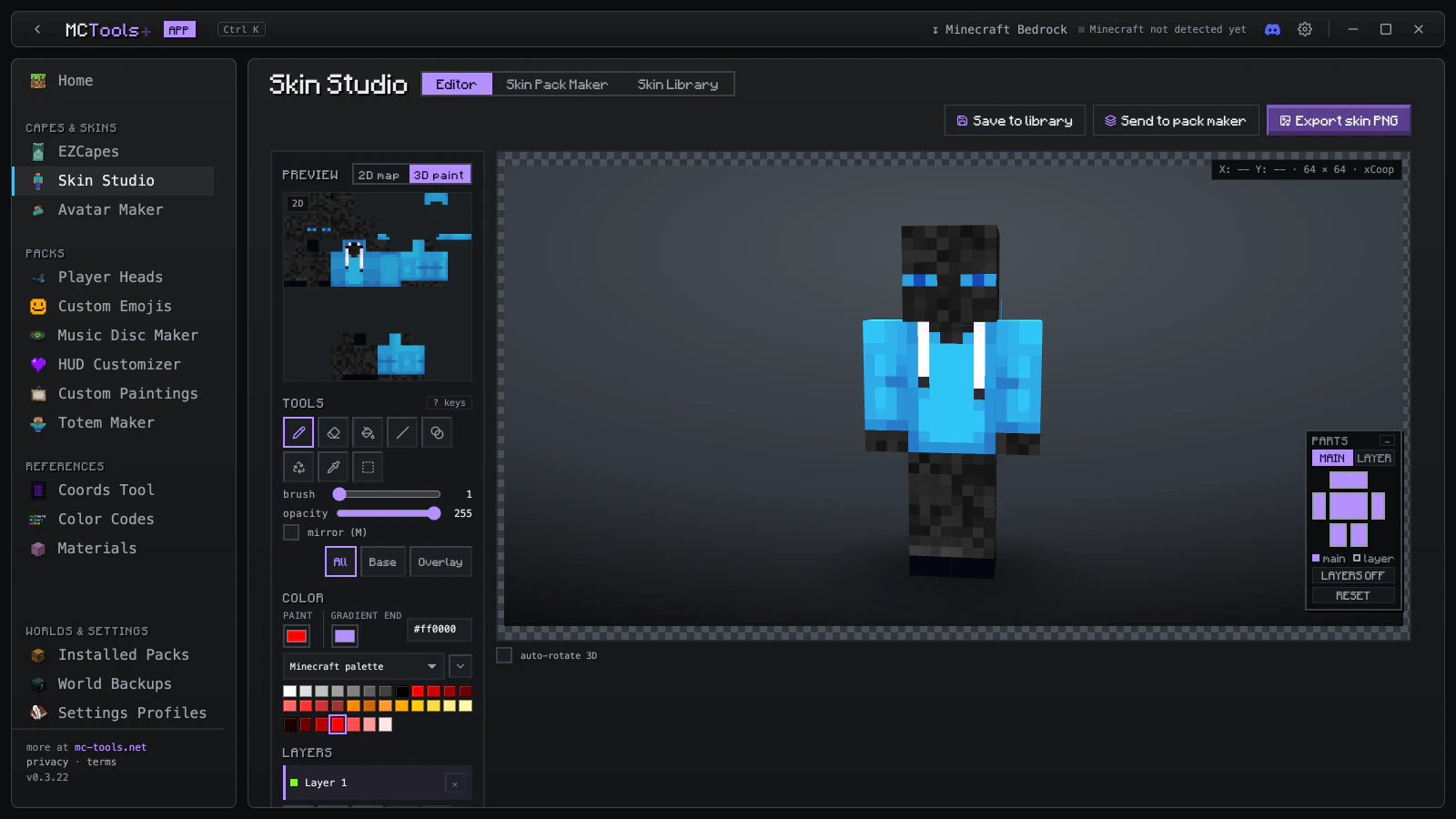
 Skin Studio
 Skin Pack Maker
 Avatar Maker
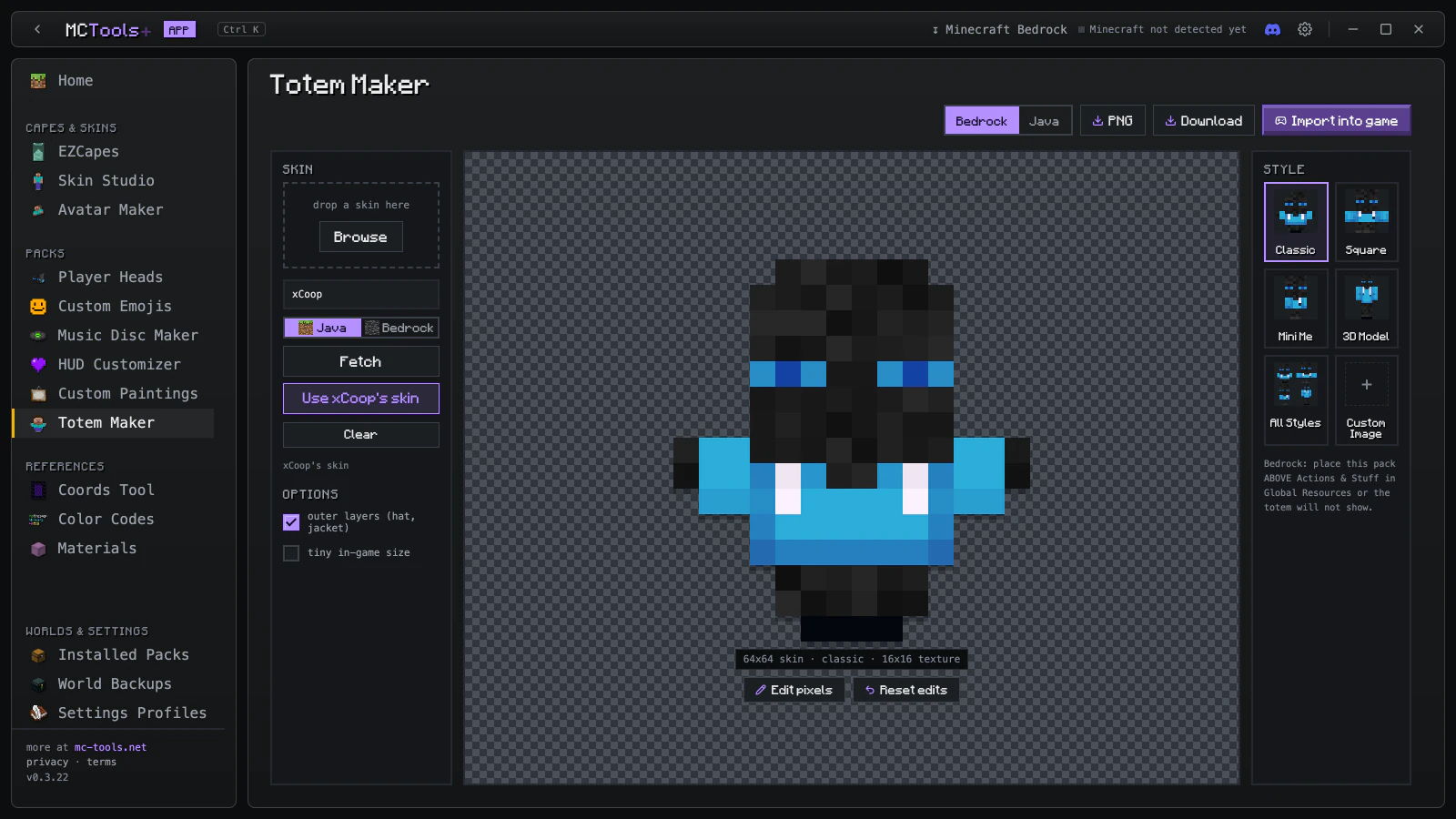
 Totem Maker
 Player Heads
 Armor Stand Skins
 Custom Emojis
 Music Disc Maker
 HUD Customizer
 Custom Paintings
 Pack Merger
 Pack Converter
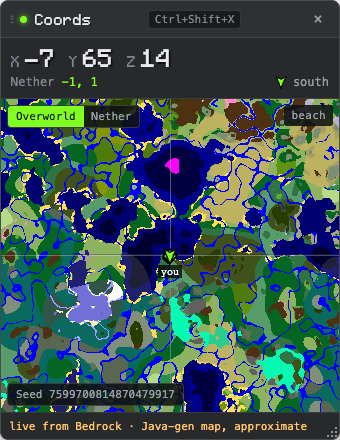
 Coords
 Color Codes
 Materials
 Installed Packs
 World Backups
 Settings Profiles
One click into your game.
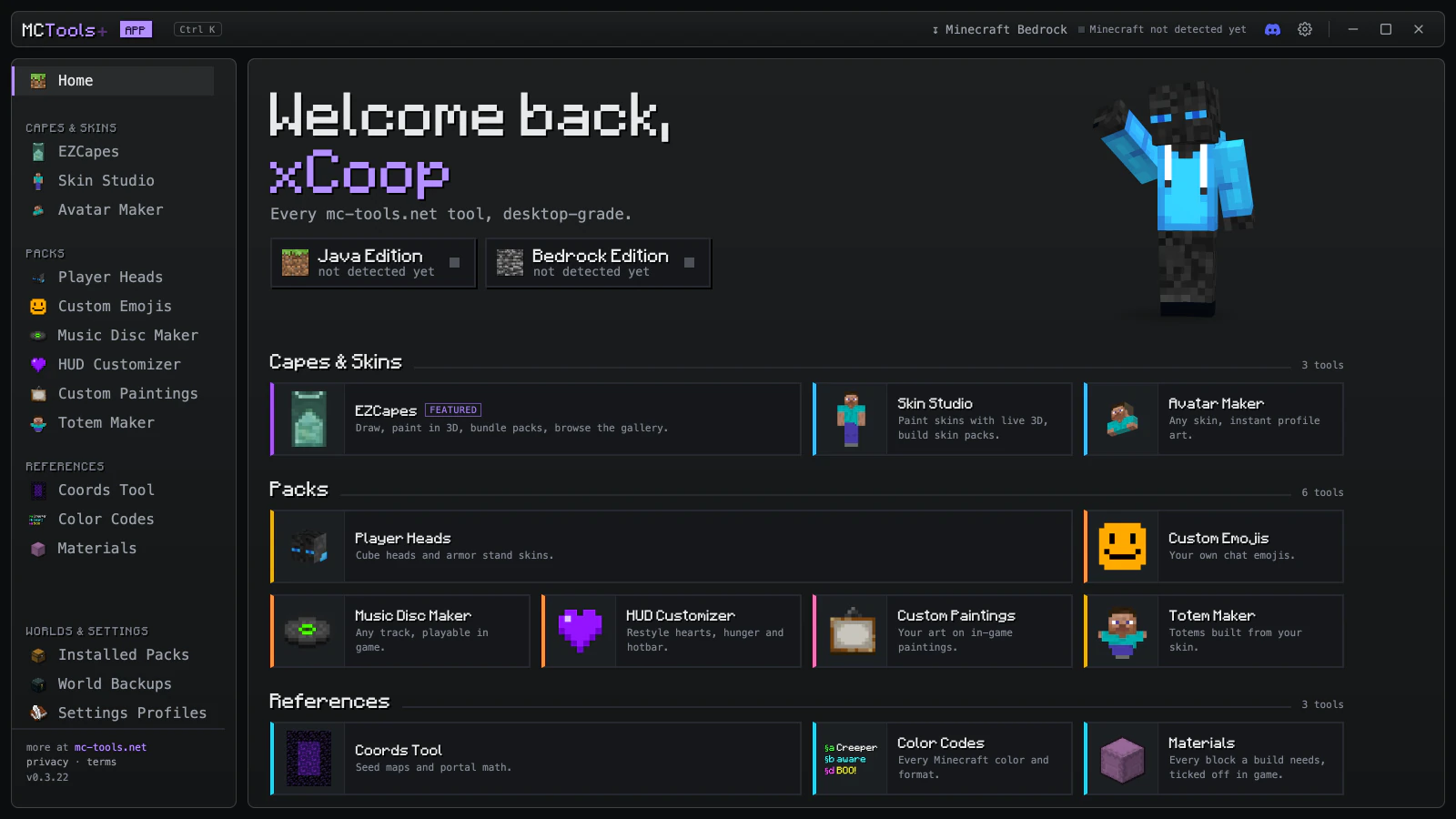
MCTools brings every mc-tools.net tool to your desktop, and installs straight into Minecraft.
- Make itPick a tool and start from your own skin.
- Import into gameOne click and the pack goes straight into Minecraft.
- PlayInstalled Packs lists everything MCTools put in your game. Remove any of it in one click.
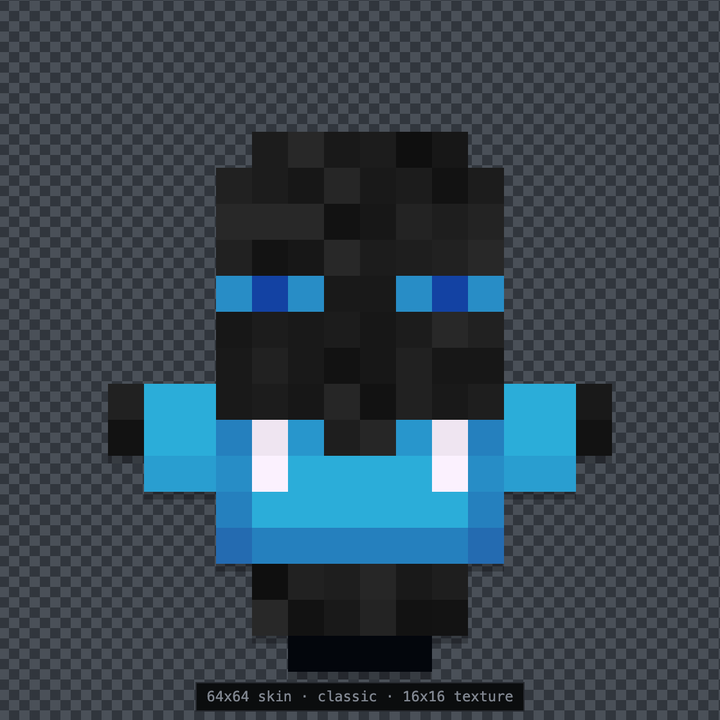
Every tool from the site. On your desktop.
Stuff a website can't do.
Installed PacksSee everything MCTools put in your game and remove it in one click.World BackupsSafety snapshots of your worlds. Restore any time.Settings ProfilesSave and switch your options between setups.Overlays that sit on top of Minecraft.
CtrlShiftM shows or hides the desktop window. The overlays work while it is open.
See it in action.
Take a look around.
Good to know.
Is it free?
Yes. MCTools is free, supported by ads.
What do I need?
A Windows PC and Minecraft Java Edition or Minecraft Bedrock Edition. The app runs on Overwolf, which installs with it.
Where do I report a bug or ask for a feature?
In Coop's Corner on Discord. That's where bug reports, ideas and launch news go. More help: app support.
What does the app collect?
No account and no analytics of its own, and your files stay on your PC. Username lookups go to public skin services, and the free app shows ads from Overwolf. Details in the app privacy policy.
Is this an official Minecraft app?
No. MCTools is not an official Minecraft product and is not approved by or associated with Mojang or Microsoft.
Make Minecraft yours.
Every mc-tools.net tool, on your desktop and in game.
Works with Minecraft Java Edition and Minecraft Bedrock Edition on Windows. Free, supported by ads.
App Privacy Policy · Terms of Use · Support