MCTools
Create


 NEW
NEW
Tools
 NEW
NEW
 NEW
NEW

- Free Bedrock capes
- Live 3D preview
- One-click equip
 Host a Halloween SMPStart SMP ▸
25% OFFMCTOOLS
Play your pack with friendsGet server ▸
25% OFFMCTOOLS
>Server online 24/7Start server ▸
Host a Halloween SMPStart SMP ▸
25% OFFMCTOOLS
Play your pack with friendsGet server ▸
25% OFFMCTOOLS
>Server online 24/7Start server ▸
Gallery
📜 Changelog
Coordinate Calculator
Convert between Overworld and Nether coordinates instantly
 Nether ÷8
1 block in the Nether = 8 blocks in the Overworld. Build your portal at the converted spot and link up first try.
Related Tools
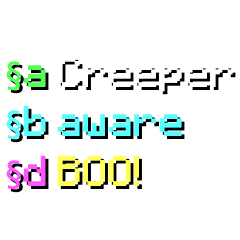
Color Code Maker
Type, click to format, copy. Live preview with all 16 colors and 5 styles.
§&§Cheat Sheet - click any to copy the code ▾
Vanilla Glyph Library - tap any symbol to copy it ▾
Minecraft Bedrock's built-in emoji & controller-button glyphs (Private Use Area U+E000-U+E1FF). Tap one to copy the actual character, then paste it into signs, chat, books, or your server MOTD.
Minecraft uses §-codes (section-sign codes) to color and style text in chat, signs, books, item names and server MOTDs. Type your text above, click a color or style to insert its code, and copy the result in the format your platform needs. The Glyph Library holds Bedrock's hidden built-in symbols - controller buttons, emoji and icons - that you can copy and paste anywhere text works in-game. To type the § sign yourself on Windows, hold Alt and press 0167 on the number pad. Java and Bedrock accept different codes: Bedrock adds the material colors but has no underline or strikethrough, so pick your edition above the color buttons.
Related Tools
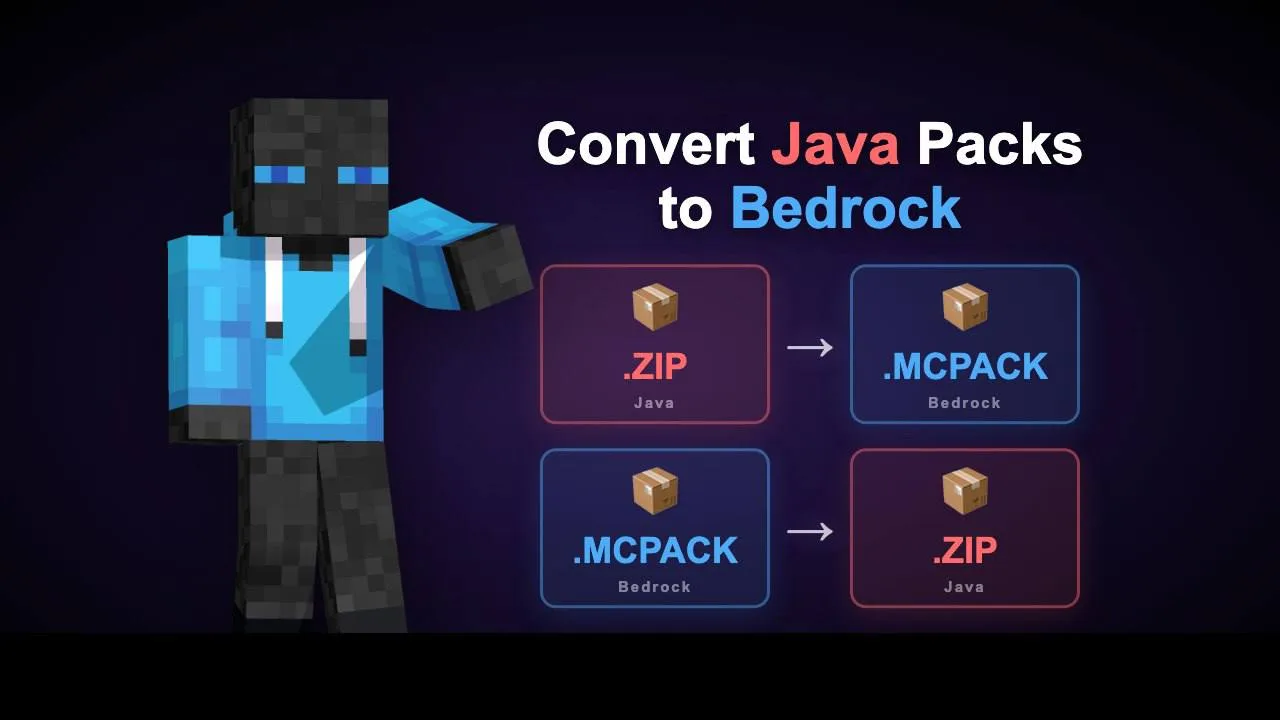
Pack Converter
Convert resource packs between Java and Bedrock editions
Pack Merger
Merge, reorder, and customize Bedrock / Java resource packs
Related Tools
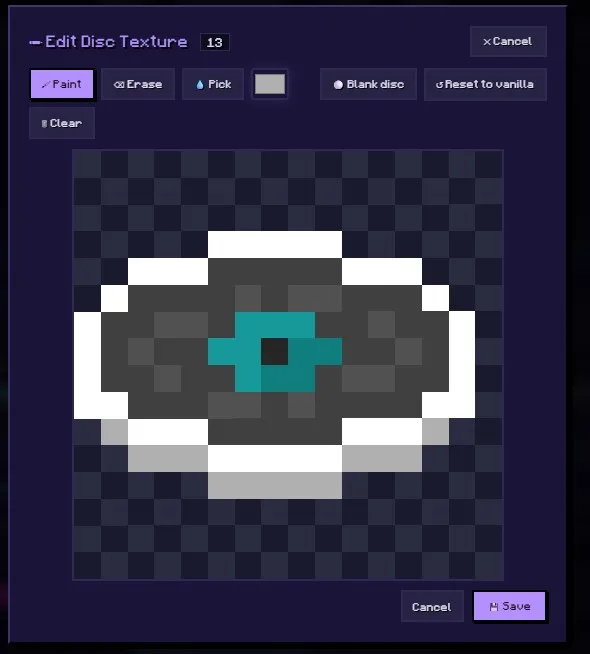
Music Disc Maker
Replace vanilla discs with your own audio.
or tap to browse
Bedrock: Upload any audio file. It will be included as-is in the pack (Bedrock supports .ogg and .wav natively). For best results, upload .ogg files.
Java: Java Edition requires .ogg (Vorbis) format. If you upload an .ogg file it will be used directly. Other formats will be converted to OGG Vorbis automatically.
Select a disc, upload your audio, and click "Add Song to Pack." Repeat for as many discs as you want, then hit Build!
Related Tools
Totem Generator
Turn any skin into a custom Totem of Undying
The Totem of Undying normally has a default texture. This tool replaces it with a "Mini Me" version of your skin - so when you hold a totem in-game, it shows you. Download as .mcpack to import directly into Minecraft Bedrock, or as a raw PNG to use in a resource pack.
Related Tools
Avatar Maker
3D heads, busts, and full-body Minecraft avatars with custom backgrounds
Related Tools
Skin Pack Maker
Bundle multiple skins into a single pack with slim/classic support
Related Tools
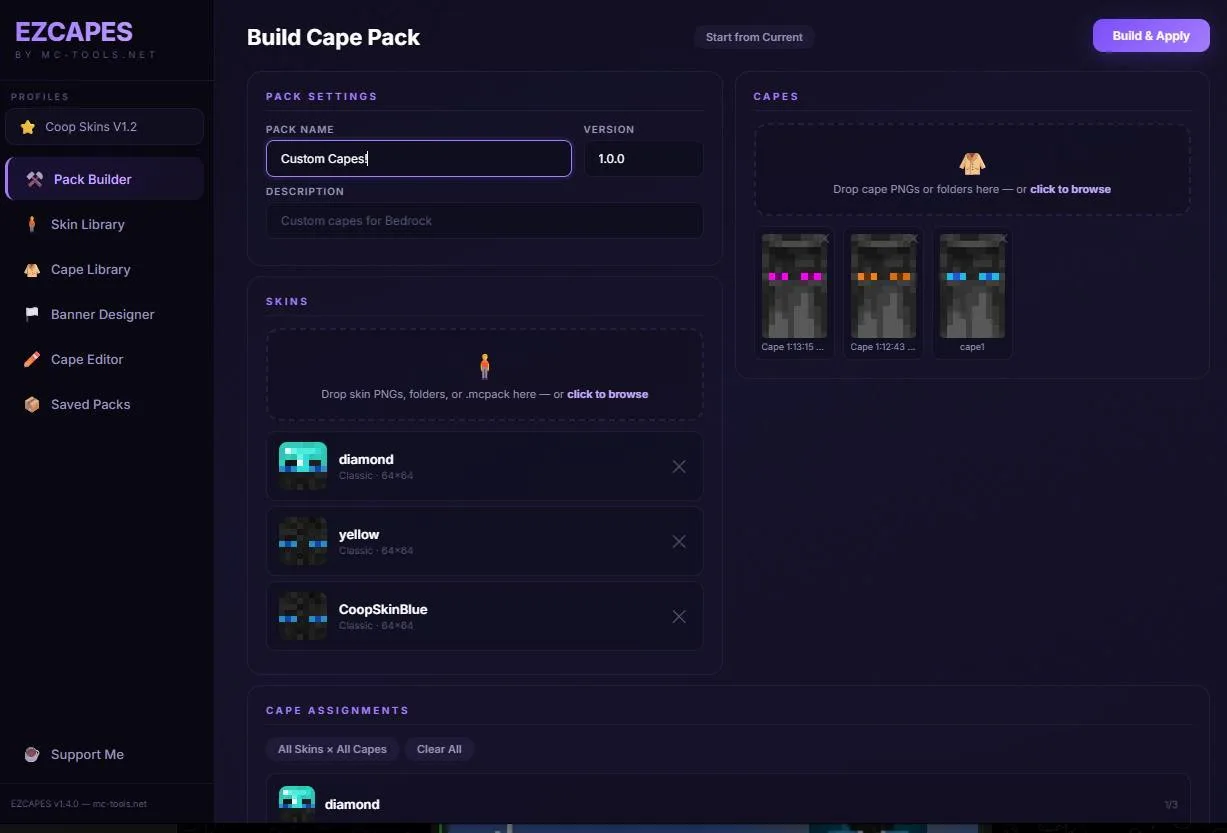
Cape Pack Builder
Assign custom capes to skins and build a ready-to-import pack
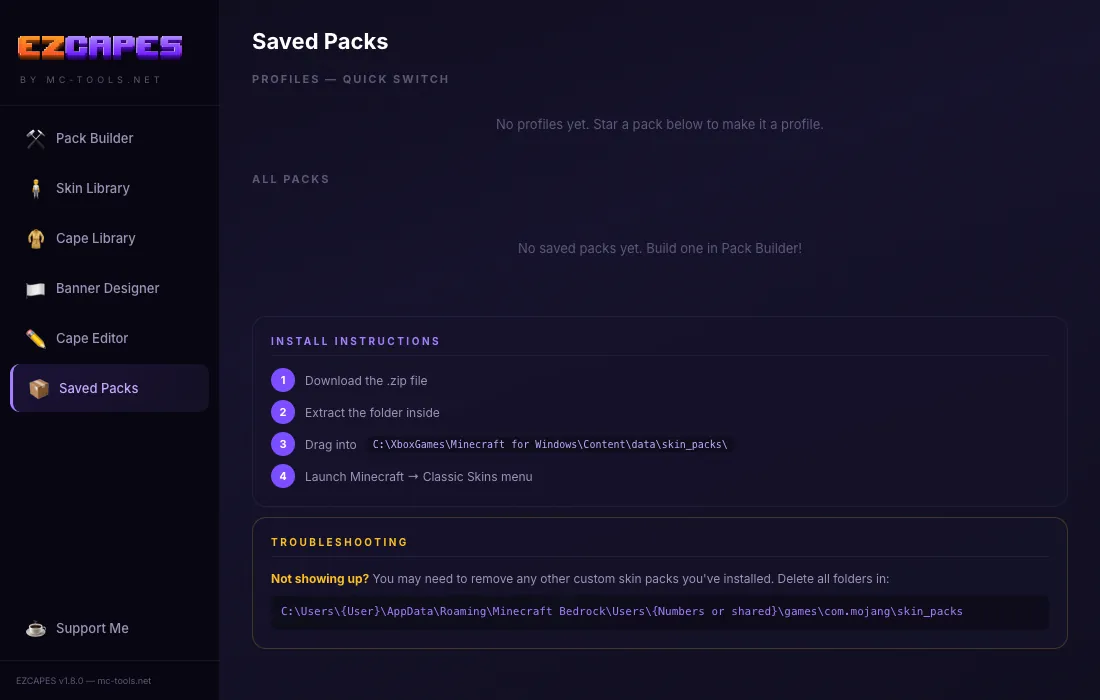
C:\XboxGames\Minecraft for Windows\Content\data\skin_packs\C:\Users\{User}\AppData\Roaming\Minecraft Bedrock\Users\{Numbers}\games\com.mojang\skin_packs
Need more help? Watch this step-by-step guide.

Related Tools
Cape Editor
Draw and edit custom Minecraft capes pixel-by-pixel
Related Tools
3D Skin Editor
Paint directly on a rotatable 3D model - fetch, edit, export
Related Tools
Custom Player Heads
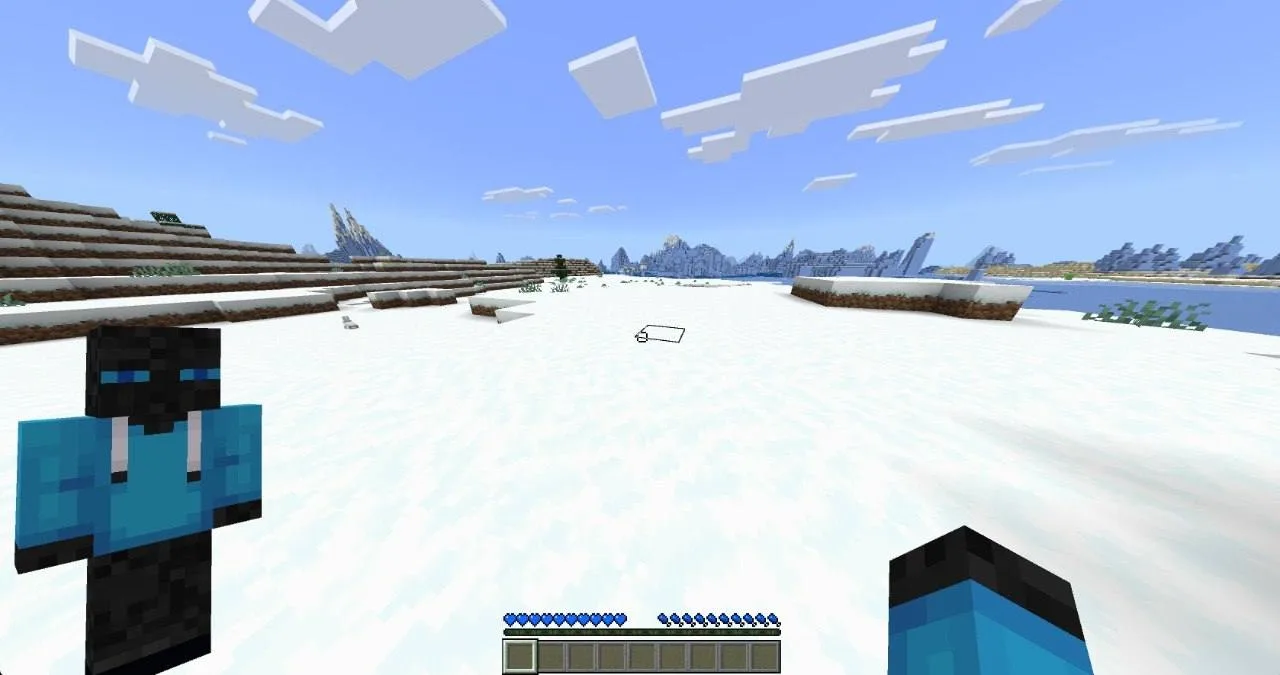
Wear them, place them, or earn them from traders or kills - Bedrock addon
Pick how players get the heads. You can turn on more than one.

Your heads get added to every trader's offers.
How to use / FAQ▾
Placing a head: right-click a block to set it down.
Wearing a head: drag it into your helmet slot.
Trader mode: heads show up in trader offers.
Drop on Death: heads drop when that player dies.
Charged Creeper Kill: heads drop if a charged creeper kills that player.
Related Tools
Custom Paintings
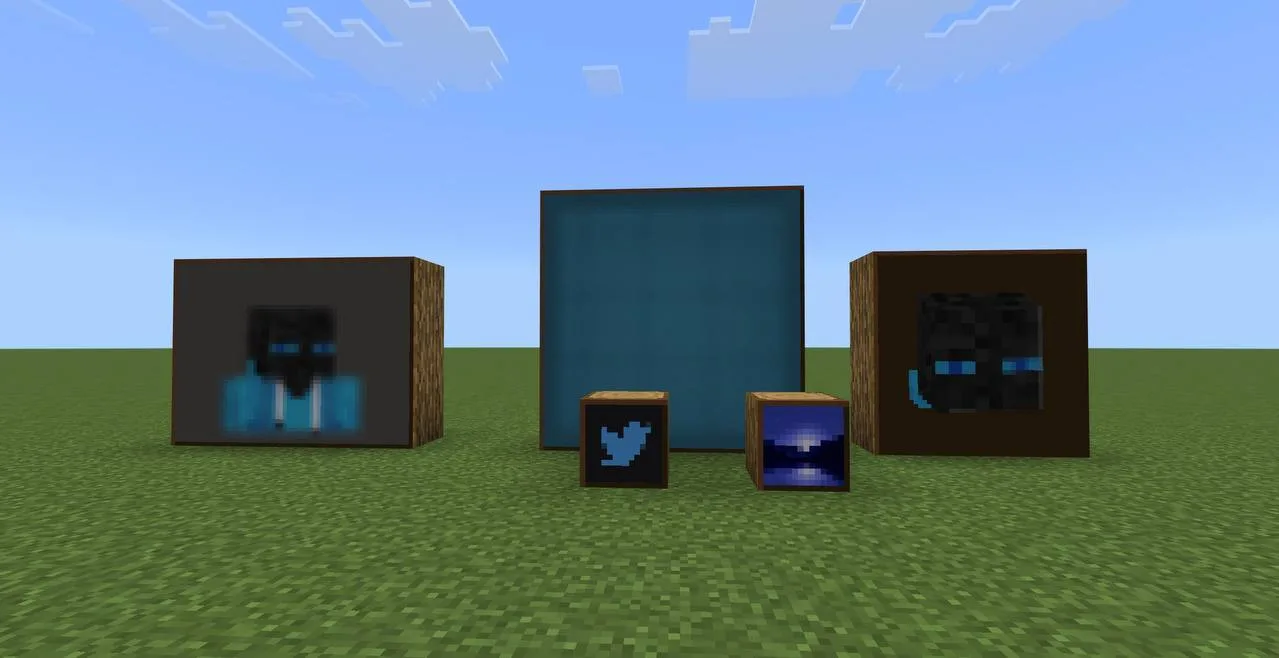
Replace in-game paintings with your own art - sizes 1×1 through 4×4
Related Tools
Custom Emoji Pack Maker
Drop in PNG icons → Bedrock pack that adds new emojis (no overwriting vanilla). Type them in chat, signs, books.
Drop a PNG onto any tile below to replace it. Drag tiles to swap their codepoints.
U+E200Char: ·.mcpack in Minecraft Bedrock and apply it to your world.| Name | Char | Codepoint |
|---|
This generates a Bedrock resource pack that fills the font/glyph_E2.png atlas. The atlas is a 16×16 grid of tiles; each tile is mapped to a Unicode private-use codepoint (U+E200 through U+E2FF). When the pack is active, typing one of those characters in chat, on a sign, or in a book renders your custom icon.
Vanilla Bedrock only uses glyph_E0 and glyph_E1 (button prompts, controller arrows). The E2 atlas is unused by vanilla, so this pack adds emojis without replacing anything.
- Drop in 1–256 transparent PNGs (square icons work best).
- Name each emoji so the cheat sheet is easy to read.
- Click a tile to edit / draw / replace / mark as hi-res.
- Hit Download .mcpack, double-click the file to install in Minecraft Bedrock.
- Apply the pack to a world. Copy a character from the cheat sheet, paste it in chat.
Per-emoji Hi-res: each tile can be flagged hi-res in its edit panel. If any tile is hi-res, the whole atlas builds at 512×512 (32px tiles) so detail is preserved; lo-res tiles in that same atlas are upscaled with nearest-neighbor. If no tile is hi-res, the atlas is the default 256×256 (16px tiles) and stays small.
Related Tools
Armor Stand Skins
Name-dependent custom skins for armor stands - Bedrock
The pack overrides the armor stand entity with a custom render controller that uses query.is_name_any() to check the armor stand's name tag. When a name matches, it swaps the default model for a player body and applies your skin texture.
In-game: Place an armor stand → rename it with a Name Tag → the stand transforms into that skin. Names are case-insensitive. The pack description lists all available names. Optionally upload a default stand texture (64×64 PNG) to reskin every unnamed or unmatched armor stand while named stands still swap to their skins.
Related Tools
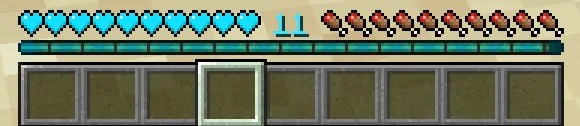
HUD Customizer
Customize your crosshair, hearts, food, and other HUD elements
Related Tools
Anyone in your world, or on servers can see it!
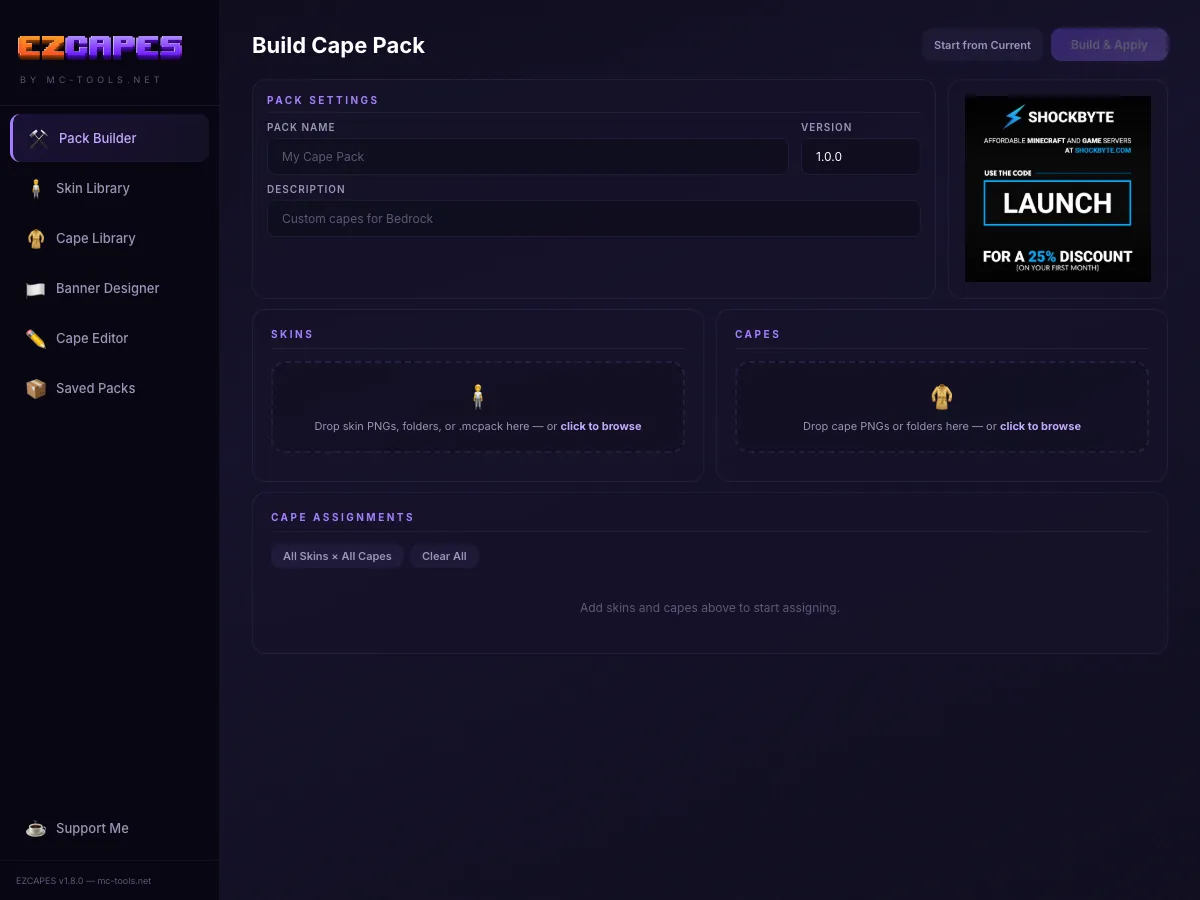
Cape Pack Builder
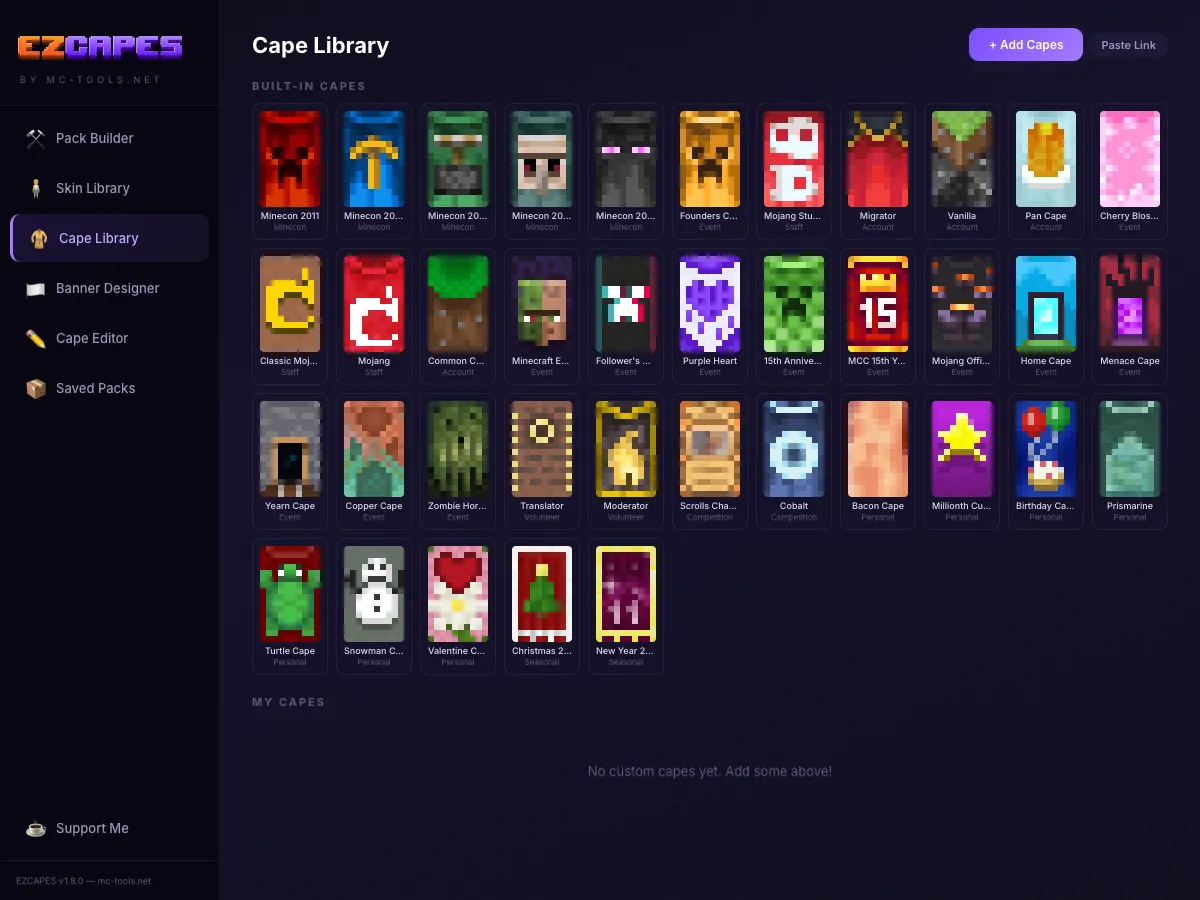
Pick your skins, pick your capes, assign them, and hit Build & Apply. Installs directly to Minecraft with one click.
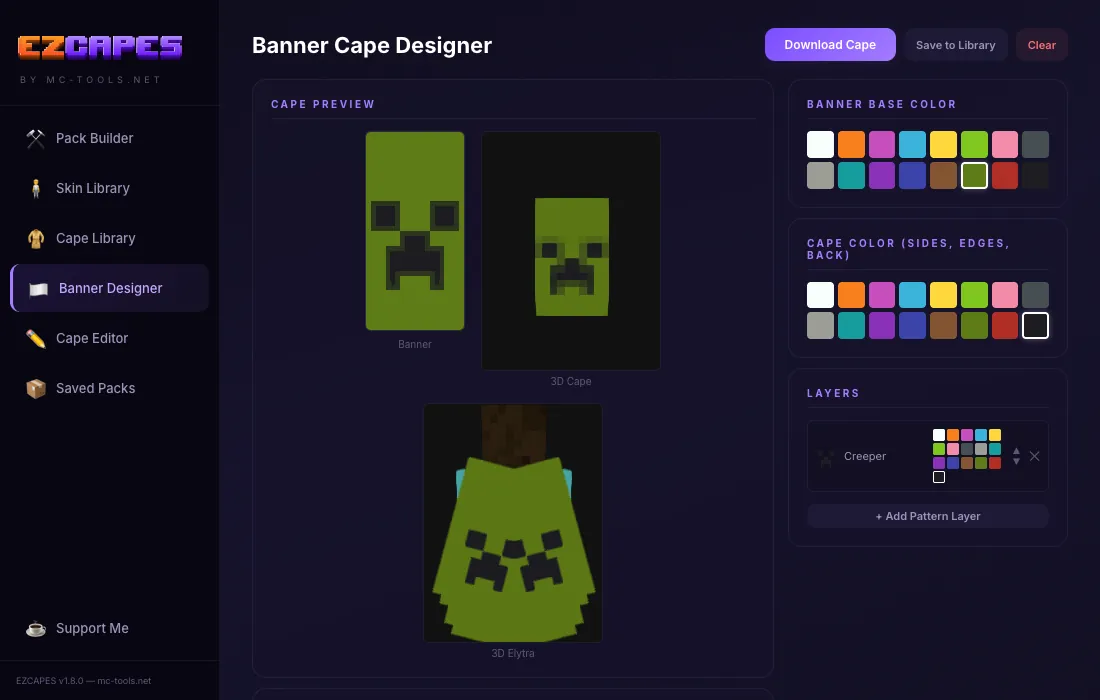
Banner Cape Designer
Create capes using real Minecraft banner patterns. All 43 patterns included with live 3D cape and elytra preview.
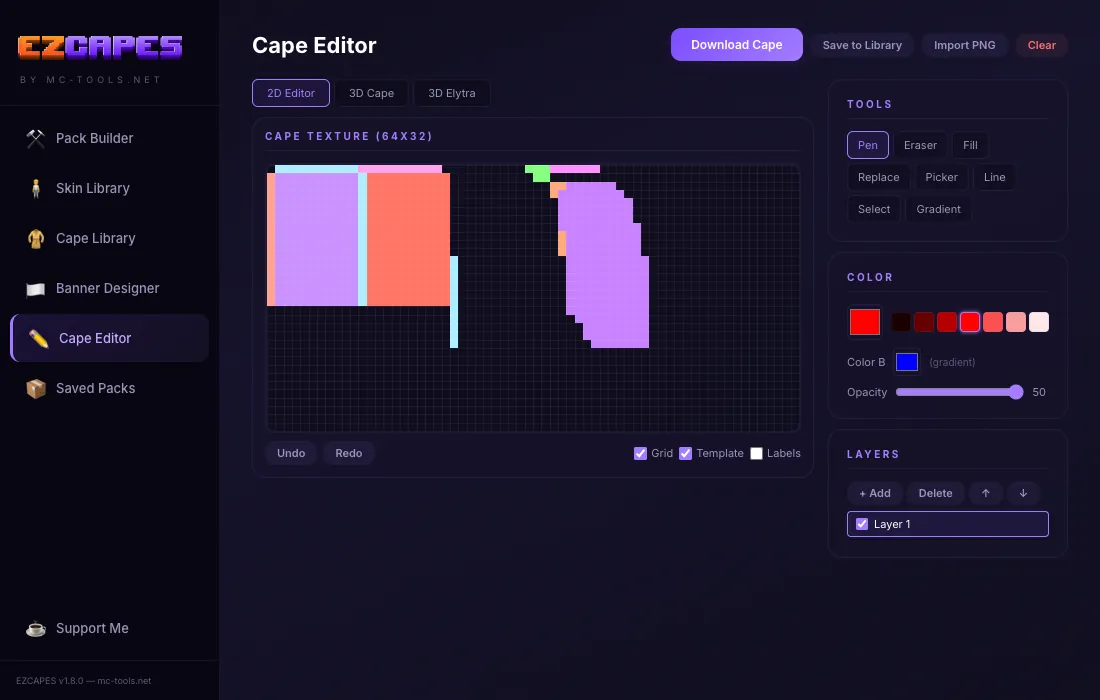
Cape Pixel Editor
Draw your own cape designs pixel by pixel. Full tool suite with pen, fill, eraser, gradient, layers, and 3D preview.
One-Click Install to Minecraft
No more digging through AppData or copying files manually. EZCAPES finds your Minecraft installation and installs the cape pack directly.
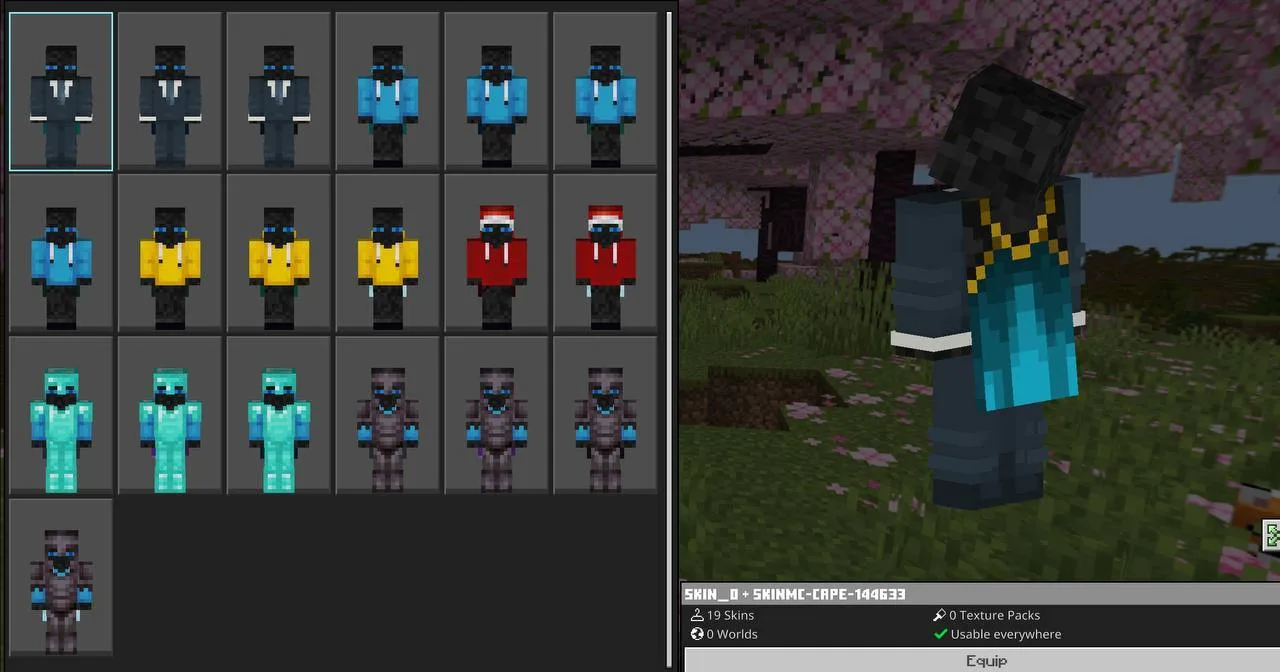
Hit Build & Apply, open Minecraft, go to Classic Skins, and your custom cape is right there.
Save Profiles & Quick Switch
Save your favorite cape packs as profiles and switch between them instantly. Keep different setups for different servers or moods.
About MCTools
Hey! I'm Coop, and I live and breathe Minecraft. I built MCTools because I wanted to create something cool and helpful for the community. Free, browser-based tools that just work, no sketchy downloads or virus-filled installs needed.
Everything runs locally right in your browser. Whether you're editing skins, merging packs, making avatars, or creating custom music discs, your files never leave your device.
Thanks for stopping by and using the tools. Keep building cool stuff!
☕ Support me on Ko-fi📜 Changelog
Every update that's shipped to MCTools
💬 Want the full story behind updates? See more info in our Discord →